Aspect Ratio Generator
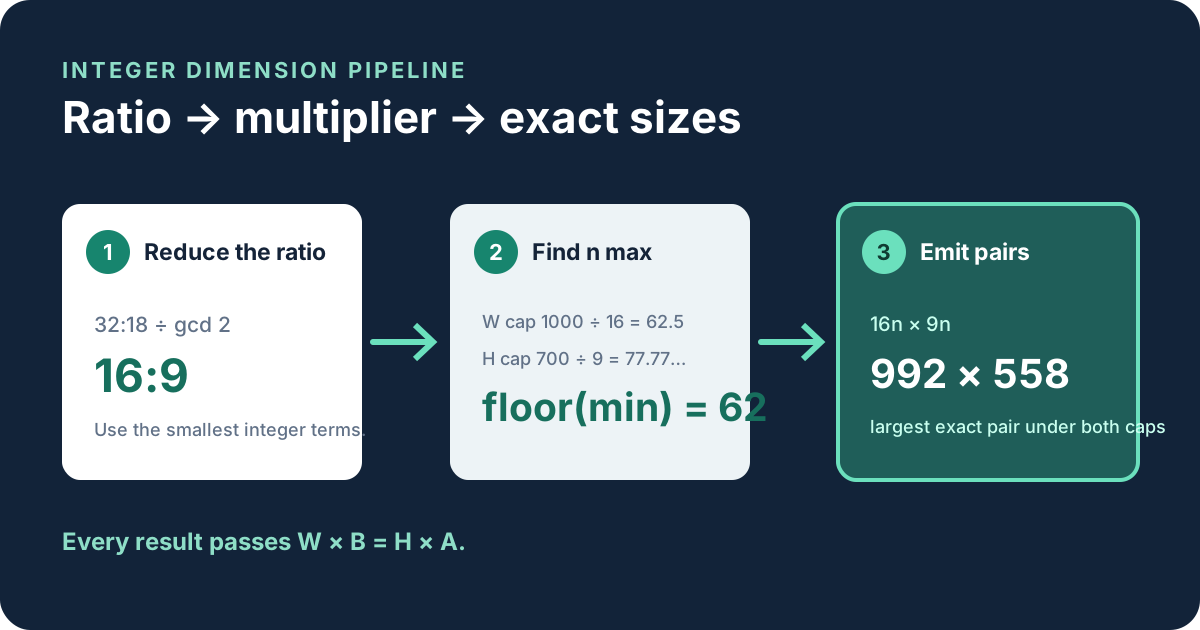
To generate exact whole-pixel sizes for a ratio A:B, first reduce the ratio, then multiply both terms by the same positive whole number n. Under width and height limits, use nmax = floor(min(Wmax ÷ A, Hmax ÷ B)).
Generate exact dimensions under two limits
The form reduces equivalent input such as 32:18 to 16:9 before generating. This prevents duplicate sequences and ensures each step changes by the smallest exact width and height increments.
Find the largest multiplier that fits
For width cap Wmax and height cap Hmax, divide each cap by its matching reduced ratio term. The smaller quotient is the active constraint. Round that quotient down because n must be a whole number.
Width limit
1000 ÷ 16 = 62.5
Height limit
700 ÷ 9 = 77.777…
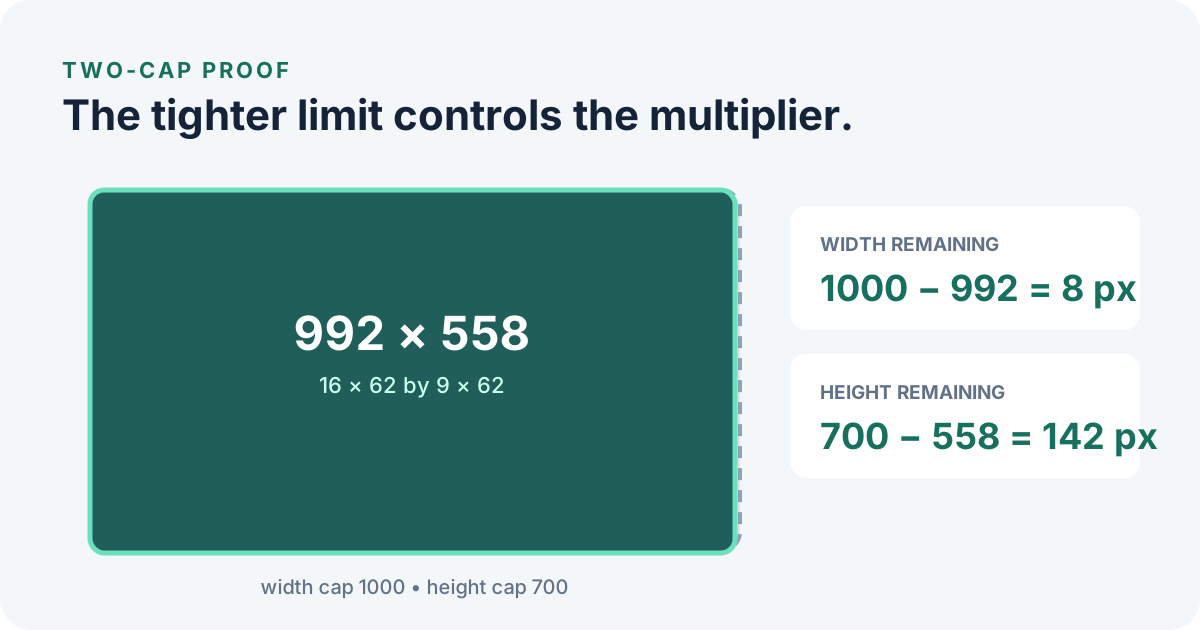
The smaller value is 62.5, so nmax = floor(62.5) = 62. Multiplying gives width 16 × 62 = 992 and height 9 × 62 = 558. The next multiplier, 63, would produce a width of 1008 and exceed the 1000-pixel cap.
Create a descending sequence without rounding
Start with nmax and subtract one for each smaller result. For 16:9 with nmax 62, the first five pairs are 992 × 558, 976 × 549, 960 × 540, 944 × 531, and 928 × 522. Every pair remains exact because both sides use the same multiplier.
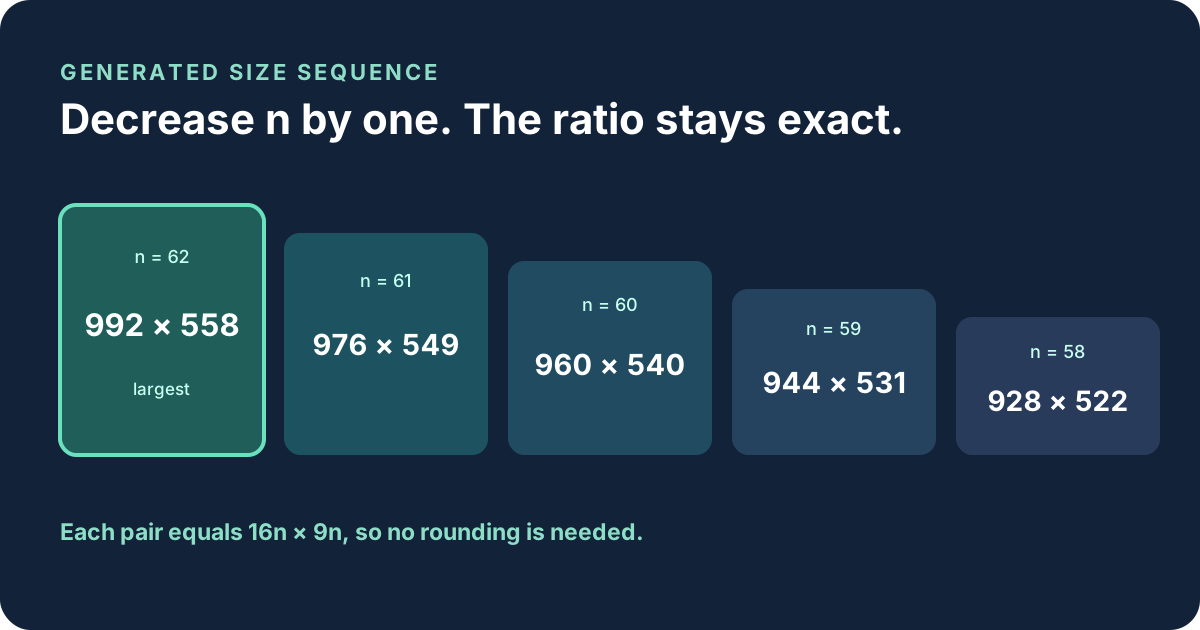
You can generate upward instead by starting at n = 1 and adding one. A practical tool normally returns the largest values first because those are closest to the stated limits, but the mathematical sequence is the same in either direction.
Verify every generated pair
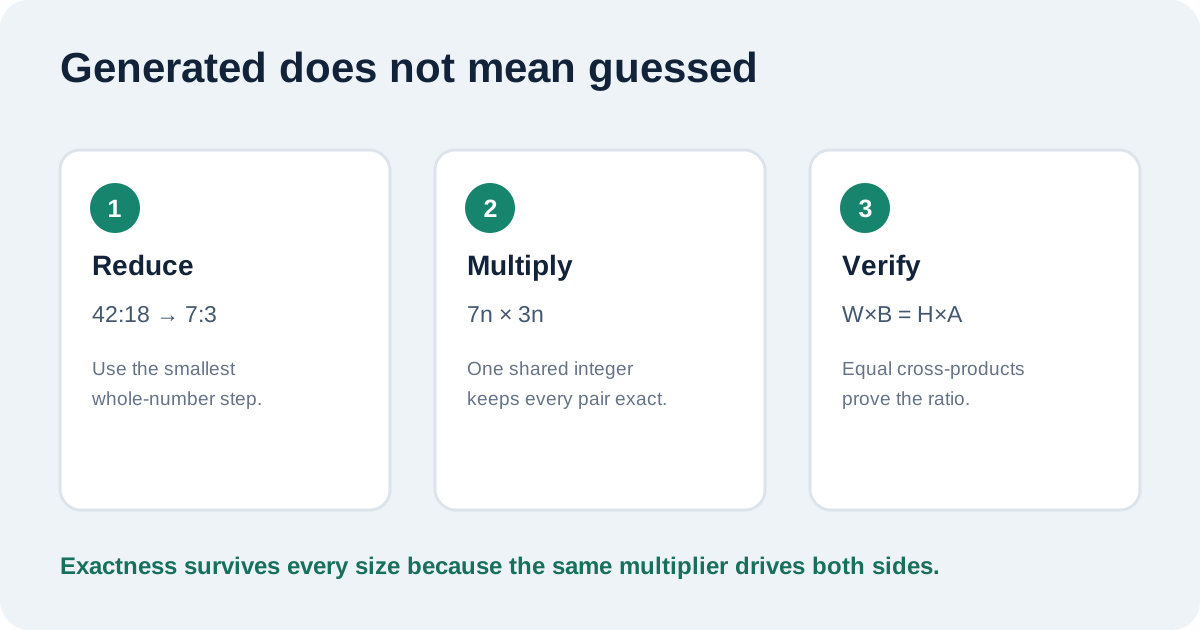
For a reduced ratio A:B and generated dimensions W:H, verify W × B = H × A. For 992 × 558 at 16:9, 992 × 9 = 8,928 and 558 × 16 = 8,928. Equal products prove the pair is exact.
| Ratio and caps | nmax | Largest exact pair | Check |
|---|---|---|---|
| 16:9 under 1000 × 700 | 62 | 992 × 558 | 992 × 9 = 558 × 16 |
| 4:3 under 1200 × 1000 | 300 | 1200 × 900 | 1200 × 3 = 900 × 4 |
| 9:16 under 1080 × 1920 | 120 | 1080 × 1920 | 1080 × 16 = 1920 × 9 |
| 3:2 under 1500 × 800 | 400 | 1200 × 800 | 1200 × 2 = 800 × 3 |
The limiting side can change from one row to another. The formula handles that automatically by selecting the smaller allowed multiplier before flooring it.
Aspect ratio generator questions
How do I generate several exact aspect-ratio sizes below a width and height limit?
Reduce A:B, calculate floor(min(Wmax ÷ A, Hmax ÷ B)), then multiply both ratio terms by that number and the smaller positive integers below it.
Why reduce the ratio before generating sizes?
Reduction produces the smallest integer step. Using 32:18 without reduction would skip valid 16:9 sizes that use odd multipliers of 16 and 9.
Does an aspect ratio generator resize an image?
No. This generator calculates dimension pairs. It does not upload, edit, crop, pad, or export an image.
Can a limit be too small for a ratio?
Yes. If the calculated maximum multiplier is less than 1, no positive whole-pixel pair for the reduced ratio fits under both limits.